The short answer
Move toward the cloud by mapping dependencies first, not by assuming Microsoft 365 or any cloud platform replaces the systems that run operations. Email, documents, meetings, endpoint policy, identity, backup, and reporting can often improve quickly with cloud tools. ERP, inventory, point-of-sale, warehouse, label-printing, database, and legacy application dependencies need a more careful plan.
For many New Brunswick businesses, the correct answer is hybrid for a while: keep the reliable system of record where it works, expose data safely through controlled integrations, modernize identity and backup, then migrate workloads only when the business case and rollback plan are clear.
What cloud tools usually replace well
Microsoft 365 and similar cloud platforms are strong fits for collaboration and day-to-day office productivity. Microsoft 365 Business Premium, for example, includes business email, cloud file storage, Teams, SharePoint, OneDrive, Entra capabilities, Intune, Defender, and other security and administration features. Those services can reduce dependence on aging file servers and make remote work easier to support.
Hosted email and shared calendars usually move cleanly when identity, DNS, devices, and retention are planned.
SharePoint, Teams, and OneDrive can replace many informal shared-drive workflows, but permissions and structure matter.
Cloud identity, multifactor authentication, endpoint policy, and device management can improve access control across locations.
These are good early wins because they often reduce user friction without changing how the cash register, warehouse, production floor, or accounting system records transactions.
What cloud tools do not automatically replace
Microsoft 365 is not an ERP replacement. It is not an inventory engine, a retail point-of-sale platform, a warehouse management system, a manufacturing execution system, or a drop-in substitute for every database-backed application in a server rack.
Local infrastructure often remains because it connects software to physical operations. That might include barcode scanners, label printers, cash drawers, handheld inventory devices, shop-floor terminals, EDI jobs, scheduled reports, vendor VPNs, database connectors, or nightly export processes. Those dependencies are easy to overlook because they only become visible when they stop working.
| System | Why it needs care | Common migration mistake |
|---|---|---|
| ERP | Often the system of record for financial, inventory, purchasing, and order data. | Moving surrounding services without mapping database, authentication, print, and reporting dependencies. |
| Inventory and POS | Must reflect stock counts, aisle locations, transactions, and returns accurately. | Assuming web availability can tolerate stale or manually exported data. |
| IBM i / AS/400 environments | May run mission-critical workloads with integrated database, security, and application logic. | Treating the platform as obsolete simply because the interface looks old. |
| Reporting jobs | Often feed management dashboards, ecommerce, purchasing, and operations. | Breaking scheduled exports or changing data timing without business sign-off. |
Why ERP and inventory systems change the cloud migration plan
ERP and inventory systems are different because they decide what the business believes is true. If inventory says there are six units in aisle 12, that number may drive a customer-facing shopping website, a staff handheld, a replenishment order, a delivery promise, and a manager's sales report. If the integration is delayed, duplicated, or wrong, the problem is operational, not just technical.
Platforms such as JD Edwards and IBM i / AS/400 environments are common examples of systems that may look old from the outside while still running important business processes. Oracle describes JD Edwards as hybrid by design, with options to run EnterpriseOne in the cloud or stay on-premises. IBM describes IBM i as an integrated operating system for mission-critical workloads, with database, middleware, security, runtime, and hypervisor integrated into the stack.
The practical question is not whether these platforms are modern enough to keep. The practical question is what data they own, what depends on them, how current that data must be, and what breaks if the connection is unavailable.
The hybrid architecture that usually works
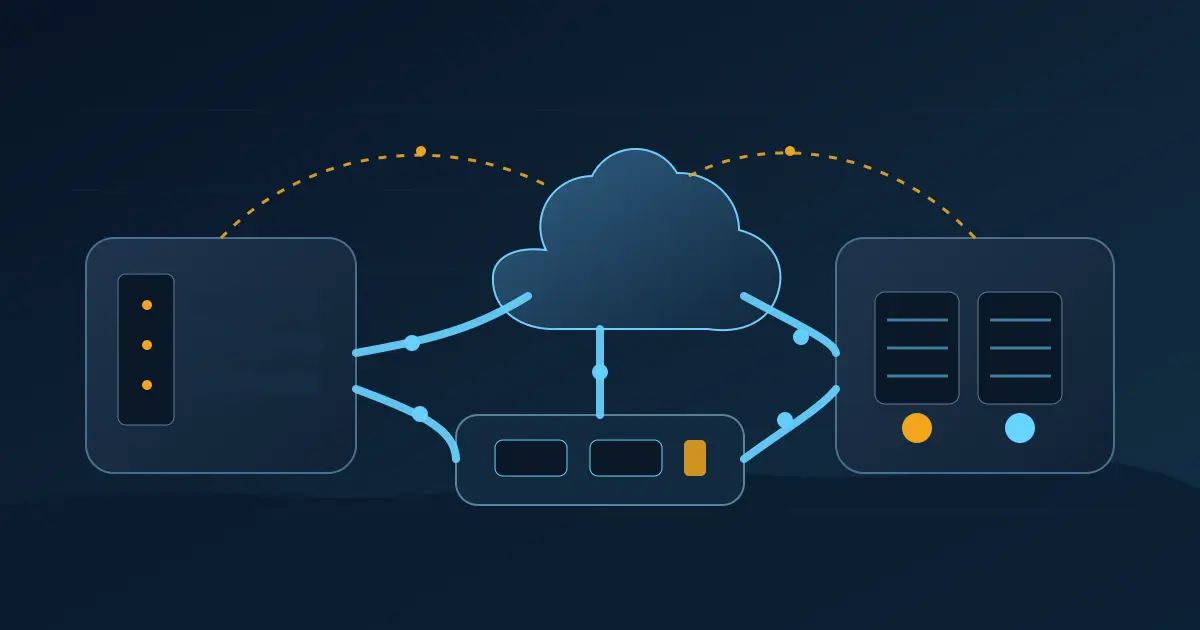
A good hybrid design separates the system of record from the tools that consume its data. The ERP or inventory platform continues to own transactions. A controlled integration layer publishes the right data to reporting, ecommerce, mobile tools, cloud storage, or analytics systems. Identity, access, backup, monitoring, and documentation are improved around that flow.
- Keep the system of record stable. Do not move or replace it until the business process, vendor requirements, data model, and recovery plan are understood.
- Expose data intentionally. Prefer APIs, database views, queues, replicated reporting databases, or scheduled exports over ad hoc file copies and shared credentials.
- Modernize the edges first. Improve identity, endpoint security, backup, remote access, monitoring, and documentation before changing the core transaction system.
- Move workloads in waves. Microsoft migration guidance recommends dependency discovery, grouping related components, migration sequencing, and rollback planning. That is especially important when systems operate across local and cloud environments.
Hybrid is not a failure to migrate. It is often the correct operating model for businesses where local systems, cloud services, and physical operations all need to work together.
Cloud migration checklist for ERP, inventory, and legacy systems
- Identify the system of record for customers, products, inventory, pricing, orders, invoices, and locations.
- Map every data flow into and out of ERP, POS, warehouse, ecommerce, reporting, accounting, and vendor systems.
- Document authentication, service accounts, scheduled tasks, printers, scanners, VPNs, database drivers, and integration tools.
- Classify each workload by downtime tolerance, recovery time, data freshness, and business owner.
- Confirm whether each dependency can move, must stay local, or needs a staged hybrid connection.
- Test backup and restore before migration, including application data, configuration, reports, and integration scripts.
- Run a pilot with non-production or low-risk workloads before touching the critical transaction path.
- Create rollback criteria before cutover, including who can approve rollback and what data must be reconciled.
When to keep local infrastructure
Keep local or private infrastructure when the workload depends on site equipment, low-latency operations, specialized peripherals, vendor support boundaries, large local datasets, or resilience during internet outages. Local does not mean unmanaged. It still needs patching, monitoring, secure remote access, backup, and lifecycle planning.
When to modernize or move
Modernize or move when hardware is aging, backup is unreliable, remote access is painful, reporting is manual, security controls are weak, or the business needs data in more places than the legacy design can support. The best migrations usually start by making the current system understandable, then choosing what should change.
Rugged Technology Services helps New Brunswick businesses plan cloud and hybrid infrastructure through our cloud solutions and managed IT services.
Primary sources
- Microsoft Cloud Adoption Framework: plan your migration
- Microsoft 365 Business Premium plan details
- IBM i operating system overview
- Oracle JD Edwards EnterpriseOne overview
Cloud migrations are environment-specific. Validate vendor support, licensing, security, data residency, performance, and rollback requirements before changing production systems.

About the author
Zac
Zac works on cloud solutions, virtualization, infrastructure, and hybrid environments at Rugged Technology Services.
Read Zac's profile